Product Description
canva graphic design project | canva graphic design project | canva graphic design project | canva graphic design project | canva graphic design project
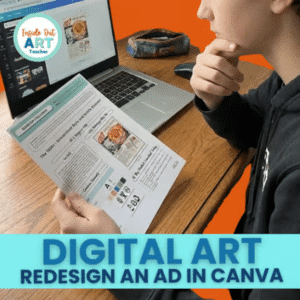
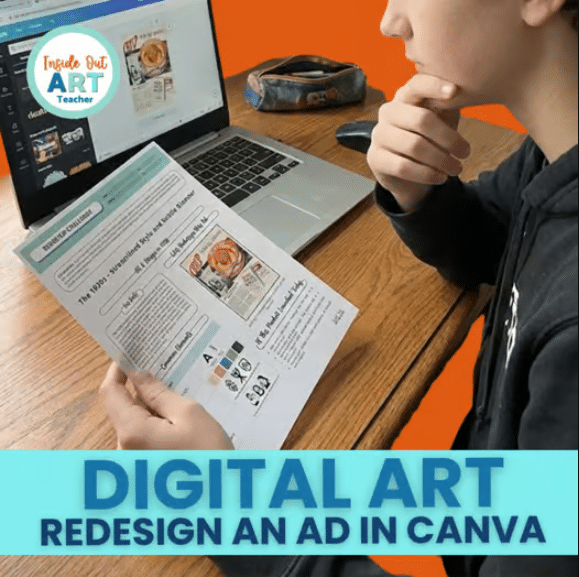
A complete decade-by-decade advertising design project now in a fully DIGITAL Canva version!
Bring art history, graphic design, and media literacy together with this highly engaging Digital Ad Redesign Project, where students redesign a vintage advertisement using Canva!
Perfect for middle school and high school art classes, graphic design units, digital art lessons, advertising projects, or no-prep sub plans.
✨ QUICK NOTE!
The decade overview worksheets (1910s–2000s) included here are the same worksheets featured in my Art History | Advertising Design & Media Literacy Bundle.
This resource adds the NEW Canva digital redesign tutorial, step-by-step slideshow, and printable handouts.
Students explore 10 iconic design decades (1910s–2000s), analyze authentic ads, and learn how typography, color, layout, and imagery changed over time. Then, they apply modern design thinking to create their own updated ad, completely digitally.
This resource teaches real visual communication and digital design skills while strengthening media literacy. Your students will feel like real graphic designers!
What Students Will Learn
Students become “digital designers” as they:
- Study real advertisements from 1910–2000s
- Analyze decade-specific typography, color palettes, and layout trends
- Compare vintage ads to modern design principles
- Develop audience awareness and message clarity
- Learn essential Canva tools (uploading, cropping, layering, text formatting)
- Apply digital design thinking to create a modern ad
- Strengthen visual hierarchy, layout, and branding skills
Your students will practice:
✔ art history analysis
✔ media literacy
✔ digital creativity
✔ graphic design fundamentals
✔ problem-solving & conceptual thinking
What’s Included
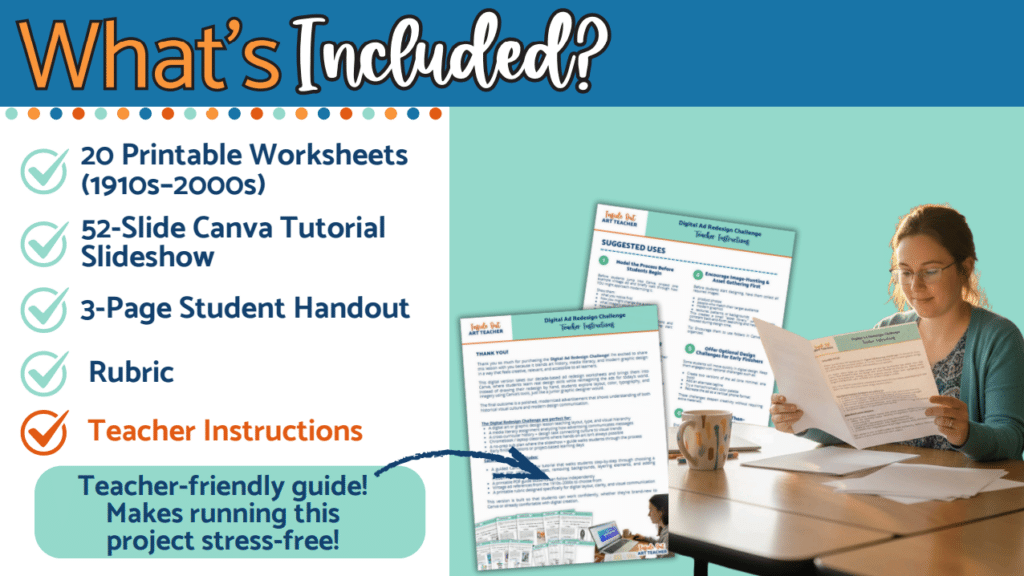
- Teacher Instructions – setup, device tips, and how to run the digital redesign project
- 52-Slide Canva Tutorial Slideshow – step-by-step digital design guidance + example redesign
- Printable Student Guide / Handout – project overview, Canva tips, planning steps
- Digital Redesign-an-Ad Worksheets (1910s–2000s) – decade style overview + planning page for each ad
- Digital-Friendly Rubric – simple 1–5 criteria for assessing Canva redesigns
All files are printable, Chromebook/iPad friendly, and fully compatible with Canva + Google Classroom.
Perfect For
- Art & Design History Lessons
- Graphic Design Units
- Digital Art Classes (Canva, Photoshop, Procreate)
- Media Literacy & Visual Communication
- Advertising / Marketing Projects
- Cross-Curricular Art + Technology Activities
- Art Sub Plans (no-prep!)
- Middle School & High School Art Programs
This project is flexible for 1 day, multi-day work, or a full digital design project.
Why Teachers Love This Resource
✔ No-prep and ready-to-use
✔ Works beautifully for grades 6–12
✔ Engaging for both artistic and tech-oriented students
✔ Perfect for 1:1 Chromebook or laptop classrooms
✔ Teaches the Canva tools students actually need
✔ Strong media literacy + art history connections
✔ Creates polished portfolio-ready digital work
✔ Encourages creativity AND critical thinking
✔ Students LOVE creating their own modern ads!
This lesson makes design feel accessible—whether students are new to Canva or already confident using digital tools.
What Makes This Project Different
Unlike typical art history worksheets, this lesson invites students to create like real designers.
Students don’t just learn about design evolution—they update it, remix it, and make it relevant.
Each decade introduces authentic visual styles, from elegant 1910s Art Nouveau lines to bold 1980s tech graphics and colorful 2000s pop aesthetics.
Students explore these styles and turn them into fresh modern ads using Canva’s digital tools.
They don’t just study advertising…
✨ they reimagine it, redesign it, and bring it to life digitally.
Technology Compatibility
- Canva (free for education!)
- Chromebooks
- Laptops
- iPads/tablets
- Google Classroom, Schoology, Canvas
This lesson works in any digital classroom setup.
All of my lessons can be shared with your students through Google Classroom or any digital platform and are formatted to work for distance learning or in the classroom. They are designed to save you time and help your students access the tutorials, presentations, videos, or worksheets as easily as possible. You can find more ready-to-go, easy-to-follow, time-saving art lessons in my RESOURCE SHOP.
Having Trouble with a File?
Visit the FAQ and Support Page to find answers to your questions.
Be the first to know about discounts, freebies, and new resources!
Find me on my blog – Inside Out Art Teacher, YouTube, or Instagram.
canva graphic design project | canva graphic design project | canva graphic design project | canva graphic design project | canva graphic design project